

Note
Go to the end to download the full example code.
MAPDL modal beam analysis example#
This example demonstrates how to perform a simple modal analysis and animate its results.
Objective#
This example models a simple 3D elastic beam made of BEAM188 elements. These beams elements are made of a linear elastic material similar to steel, and have a rectangular section.
Procedure#
Launch MAPDL instance
Material properties
Geometry
Finite element model
Boundary conditions
Solving the model
Post-processing
Stop MAPDL
Launch MAPDL instance#
Launch MAPDL with interactive plotting
from ansys.mapdl.core import launch_mapdl

nmodes = 10
# start MAPDL
mapdl = launch_mapdl()
print(mapdl)
Mapdl
-----
PyMAPDL Version:     0.74.1
Interface:           grpc
Product:             Ansys Mechanical Enterprise
MAPDL Version:       25.2
Running on:          localhost
                     (127.0.0.1)
Define material#
Define material
mapdl.prep7()
mapdl.mp("EX", 1, 2.1e11)
mapdl.mp("PRXY", 1, 0.3)
mapdl.mp("DENS", 1, 7800)
MATERIAL 1 DENS = 7800.000
Create geometry#
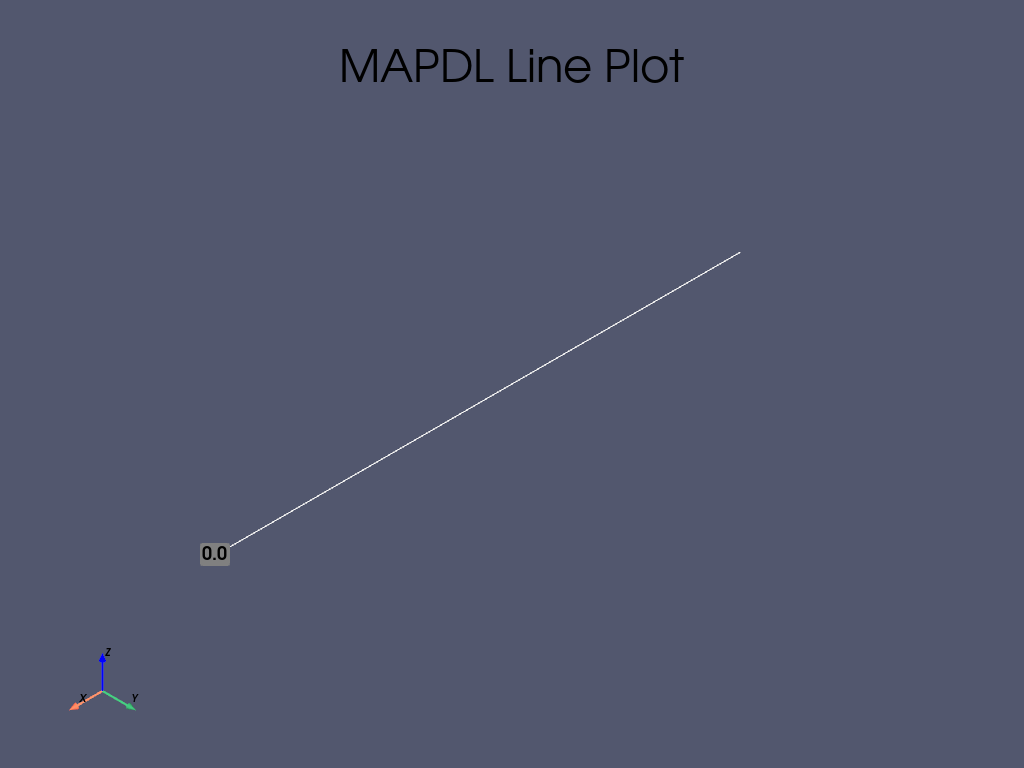
Create keypoints and line
mapdl.k(1)
mapdl.k(2, 10)
mapdl.l(1, 2)
mapdl.lplot()
Define finite element model#
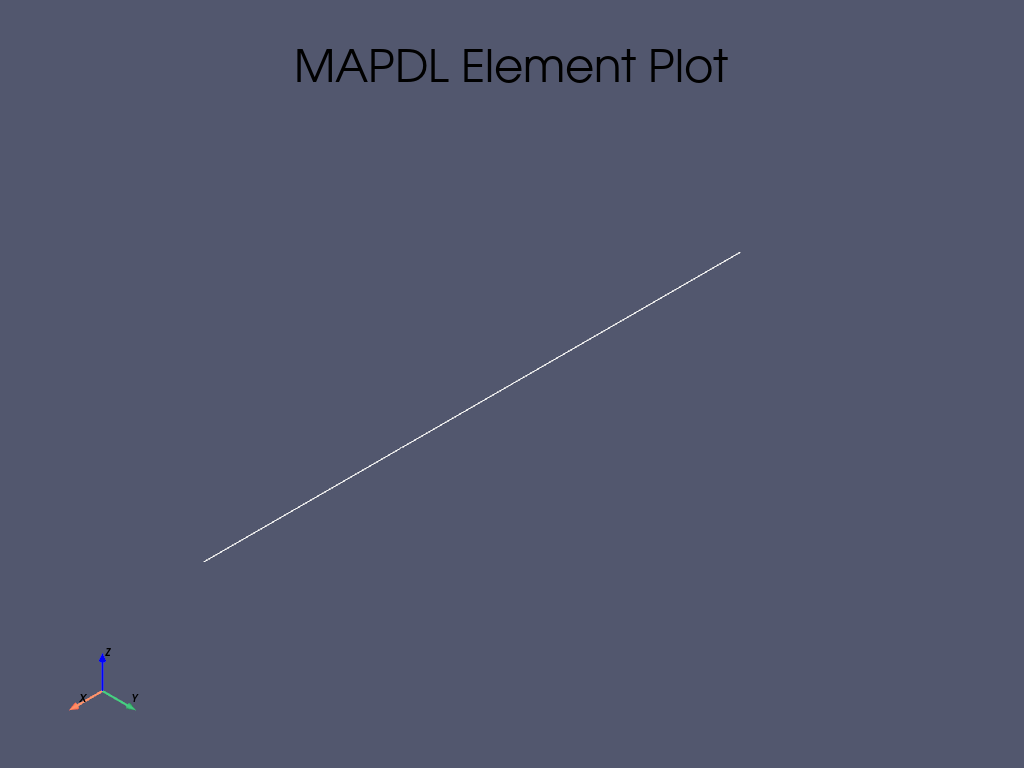
Define element type/section type - Rectangular beam section.
mapdl.et(1, "BEAM188")
mapdl.sectype(1, "BEAM", "RECT")
mapdl.secoffset("CENT")
mapdl.secdata(2, 1)

# Mesh the line
mapdl.type(1)
mapdl.esize(1)
mapdl.lesize("ALL")
mapdl.lmesh("ALL")
mapdl.eplot()
mapdl.finish()
***** ROUTINE COMPLETED ***** CP = 0.000
Specify boundary conditions#
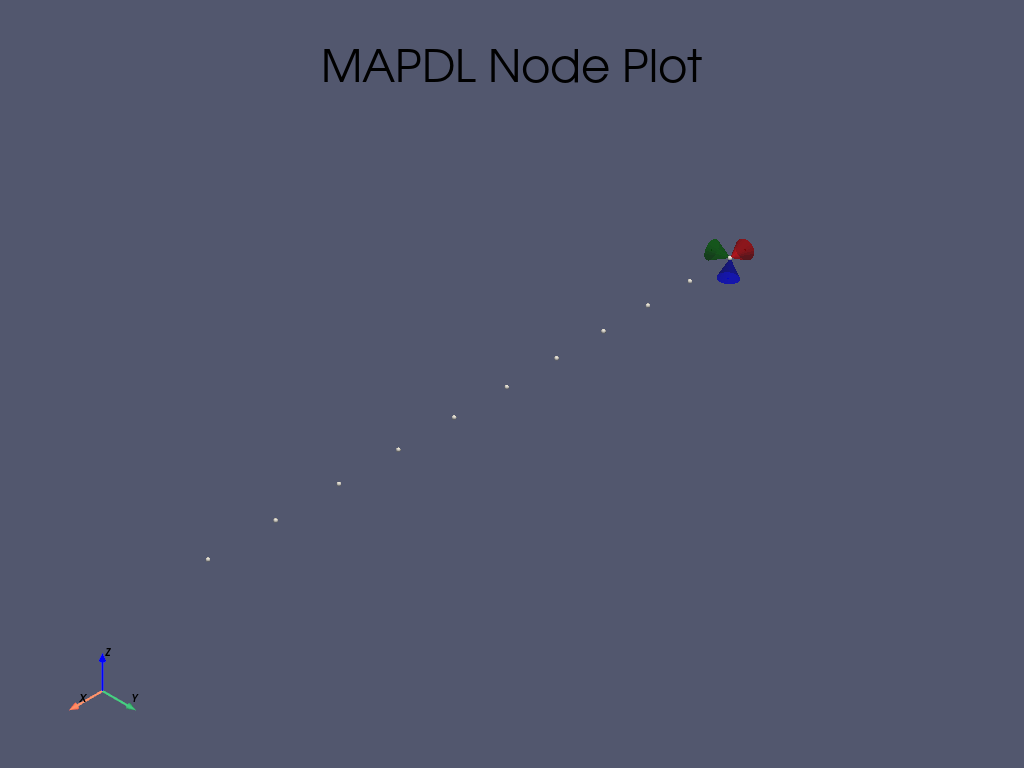
Fully fixed (clamped) end.
mapdl.solution()  # Entering the solution processor.
mapdl.nsel("S", "LOC", "X", "0")
mapdl.d("ALL", "ALL")
mapdl.allsel()
mapdl.nplot(plot_bc=True, nnum=True)
Solve the model#
Setting modal analysis
mapdl.antype("MODAL")
mapdl.modopt("LANB", nmodes, 0, 200)
mapdl.solve()
mapdl.finish()
FINISH SOLUTION PROCESSING


 ***** ROUTINE COMPLETED *****  CP =         0.000
Postprocess#
Enter the post processor (post1)
mapdl.post1()
output = mapdl.set("LIST")
print(output)

result = mapdl.result
*****  INDEX OF DATA SETS ON RESULTS FILE  *****

     SET   TIME/FREQ    LOAD STEP   SUBSTEP  CUMULATIVE
       1  8.3233851             1         1         1
       2  16.274527             1         2         2
       3  50.891463             1         3         3
       4  60.248510             1         4         4
       5  89.208488             1         5         5
       6  129.85203             1         6         6
       7  138.63765             1         7         7
       8  182.23482             1         8         8
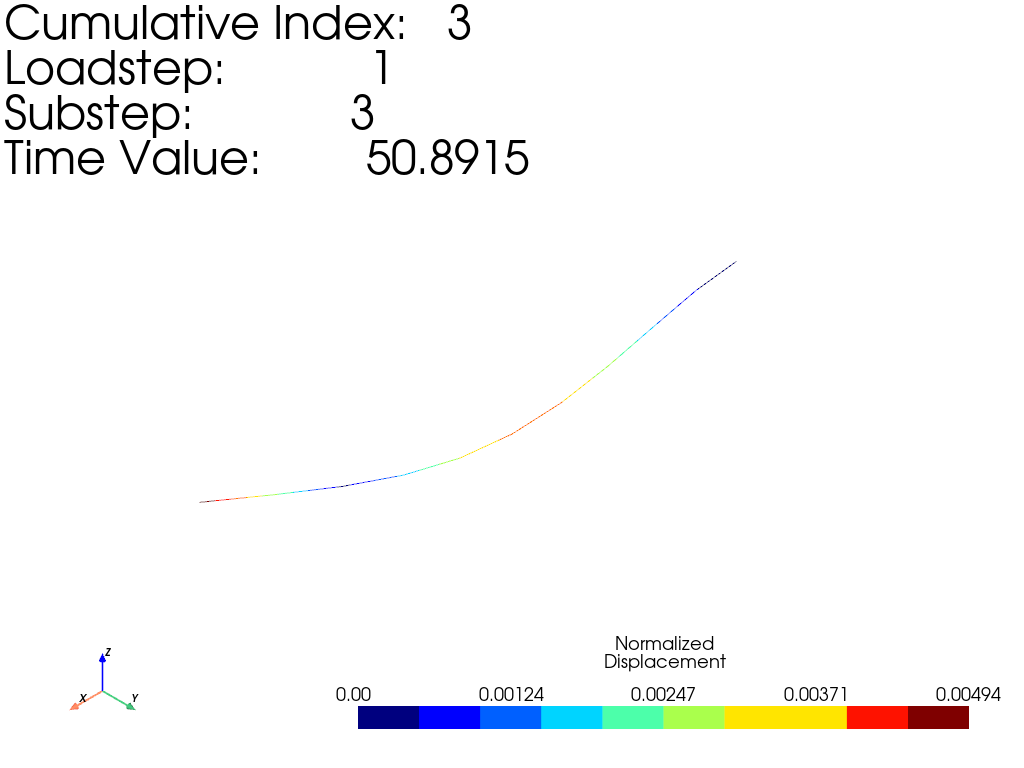
Animate results
mode2plot = 2
normalizeDisplacement = 1 / result.nodal_displacement(mode2plot - 1)[1].max()

result.plot_nodal_displacement(
    mode2plot,
    show_displacement=True,
    displacement_factor=normalizeDisplacement,
    n_colors=10,
)

result.animate_nodal_displacement(
    mode2plot,
    loop=False,
    add_text=False,
    n_frames=100,
    displacement_factor=normalizeDisplacement,
    show_axes=False,
    background="w",
    movie_filename="animation.gif",
    off_screen=True,
)
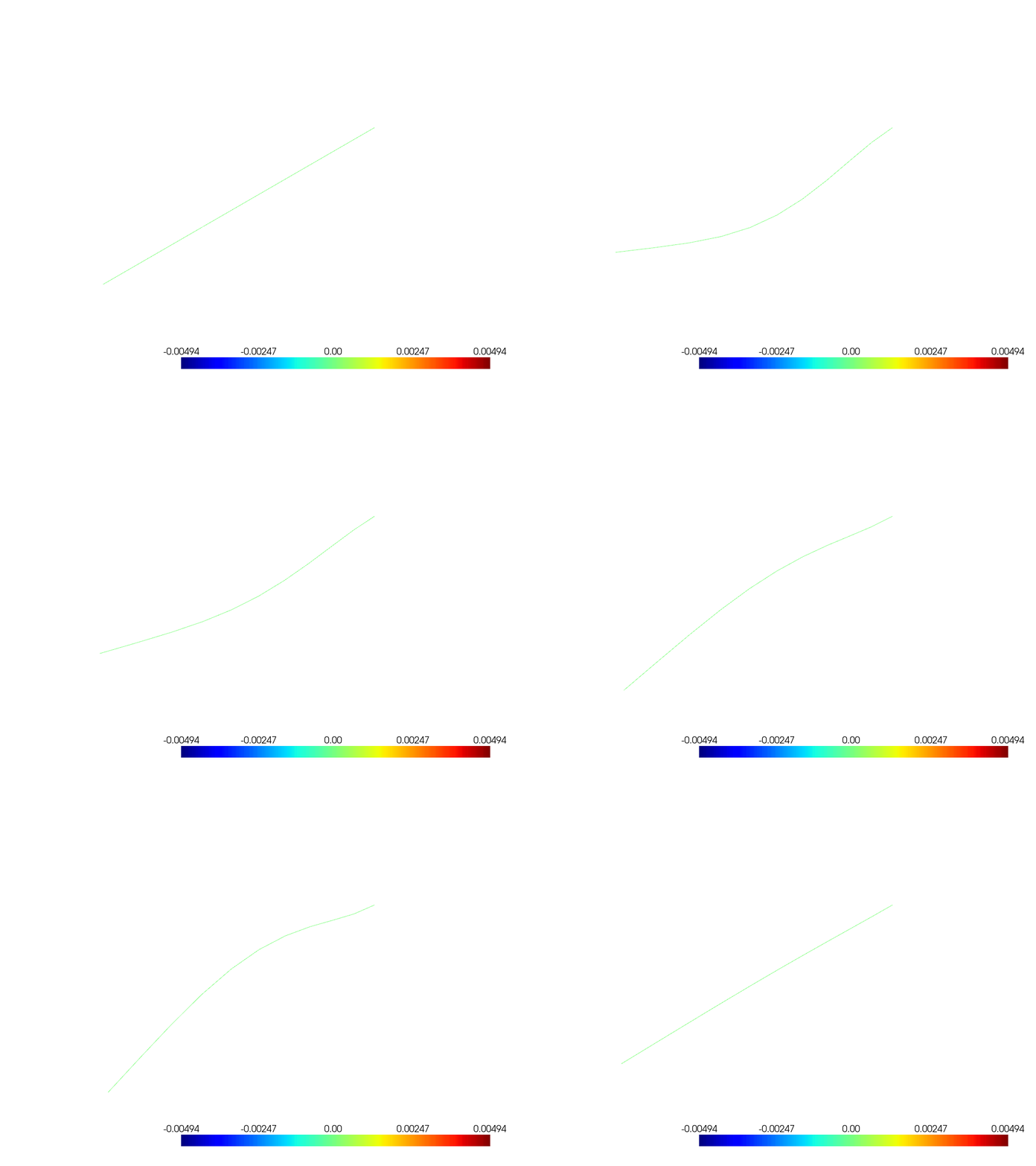
Rendering animation:   0%|          | 0/100 [00:00<?, ?it/s]
Rendering animation:   2%|▏         | 2/100 [00:00<00:06, 15.06it/s]
Rendering animation:   5%|▌         | 5/100 [00:00<00:04, 20.28it/s]
Rendering animation:   8%|▊         | 8/100 [00:00<00:04, 22.36it/s]
Rendering animation:  11%|█         | 11/100 [00:00<00:03, 23.39it/s]
Rendering animation:  14%|█▍        | 14/100 [00:00<00:03, 23.99it/s]
Rendering animation:  17%|█▋        | 17/100 [00:00<00:03, 24.37it/s]
Rendering animation:  20%|██        | 20/100 [00:00<00:03, 24.64it/s]
Rendering animation:  23%|██▎       | 23/100 [00:00<00:03, 24.60it/s]
Rendering animation:  26%|██▌       | 26/100 [00:01<00:02, 24.76it/s]
Rendering animation:  29%|██▉       | 29/100 [00:01<00:02, 24.55it/s]
Rendering animation:  32%|███▏      | 32/100 [00:01<00:02, 24.48it/s]
Rendering animation:  35%|███▌      | 35/100 [00:01<00:02, 24.25it/s]
Rendering animation:  38%|███▊      | 38/100 [00:01<00:02, 24.11it/s]
Rendering animation:  41%|████      | 41/100 [00:01<00:02, 23.96it/s]
Rendering animation:  44%|████▍     | 44/100 [00:01<00:02, 24.10it/s]
Rendering animation:  47%|████▋     | 47/100 [00:01<00:02, 24.09it/s]
Rendering animation:  50%|█████     | 50/100 [00:02<00:02, 24.23it/s]
Rendering animation:  53%|█████▎    | 53/100 [00:02<00:01, 24.25it/s]
Rendering animation:  56%|█████▌    | 56/100 [00:02<00:01, 24.16it/s]
Rendering animation:  59%|█████▉    | 59/100 [00:02<00:01, 23.96it/s]
Rendering animation:  62%|██████▏   | 62/100 [00:02<00:01, 24.11it/s]
Rendering animation:  65%|██████▌   | 65/100 [00:02<00:01, 24.16it/s]
Rendering animation:  68%|██████▊   | 68/100 [00:02<00:01, 24.25it/s]
Rendering animation:  71%|███████   | 71/100 [00:02<00:01, 24.21it/s]
Rendering animation:  74%|███████▍  | 74/100 [00:03<00:01, 24.18it/s]
Rendering animation:  77%|███████▋  | 77/100 [00:03<00:00, 24.12it/s]
Rendering animation:  80%|████████  | 80/100 [00:03<00:00, 24.19it/s]
Rendering animation:  83%|████████▎ | 83/100 [00:03<00:00, 24.30it/s]
Rendering animation:  86%|████████▌ | 86/100 [00:03<00:00, 24.28it/s]
Rendering animation:  89%|████████▉ | 89/100 [00:03<00:00, 24.01it/s]
Rendering animation:  92%|█████████▏| 92/100 [00:03<00:00, 23.95it/s]
Rendering animation:  95%|█████████▌| 95/100 [00:03<00:00, 23.75it/s]
Rendering animation:  98%|█████████▊| 98/100 [00:04<00:00, 23.77it/s]
Rendering animation: 100%|██████████| 100/100 [00:09<00:00, 10.44it/s]
Stop MAPDL#
mapdl.finish()
mapdl.exit()
Total running time of the script: (0 minutes 11.035 seconds)